Field guides
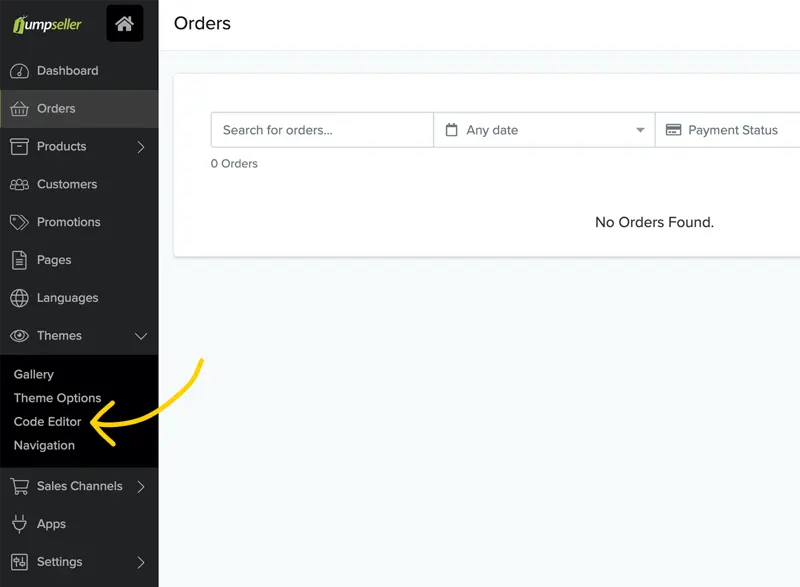
LiveChat · Jumpseller: Add online chat functionality to your store
Learn how to add the LiveChat chat plugin to your Jumpseller online store in just a few simple steps. Boost customer engagement without any programming skills!
86 results
Learn how to add the LiveChat chat plugin to your Jumpseller online store in just a few simple steps. Boost customer engagement without any programming skills!
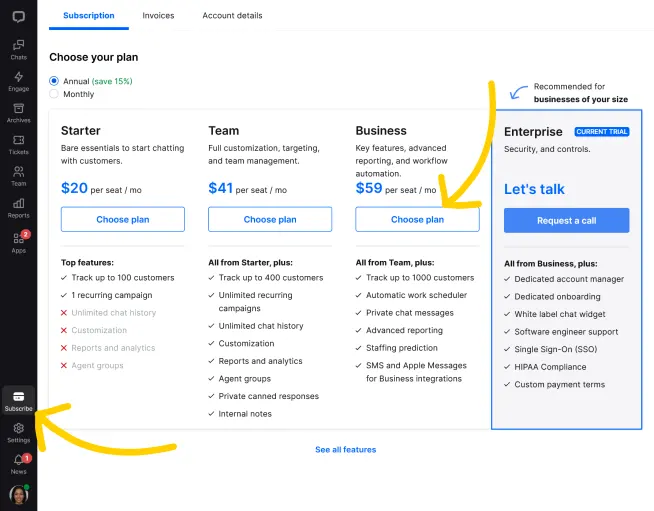
Learn how to easily set up, renew, or modify your LiveChat subscription and ensure uninterrupted access to powerful customer communication tools.
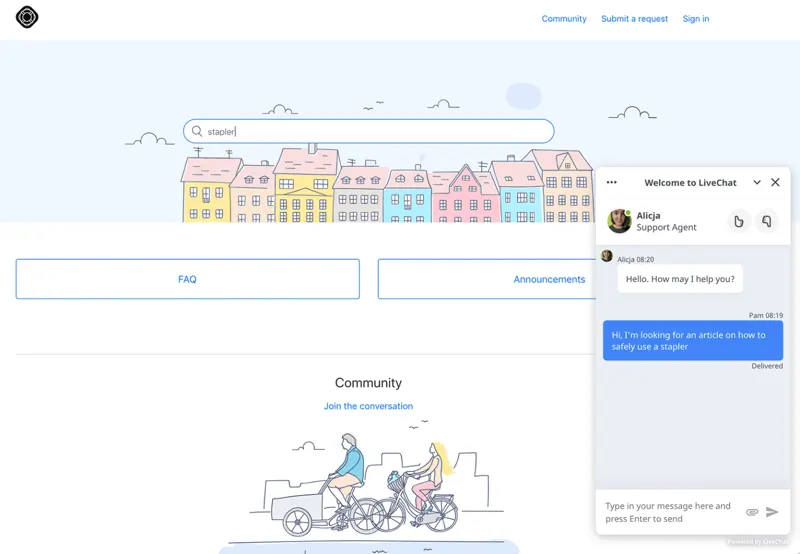
For teams that have already deployed Zendesk Guide, a chat window can be loaded in the Help Center topic to accommodate visitors who still need assistance after reading the documentation.
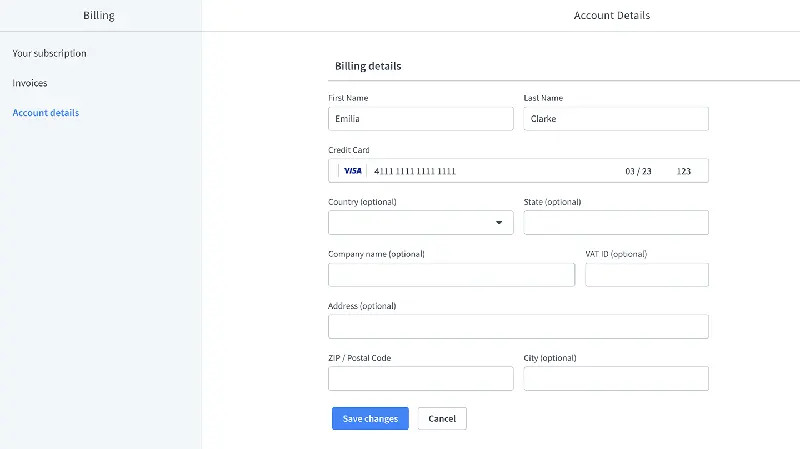
Please use company information on your invoices, not your own name and address. Learn how to set up company invoices in your LiveChat license.
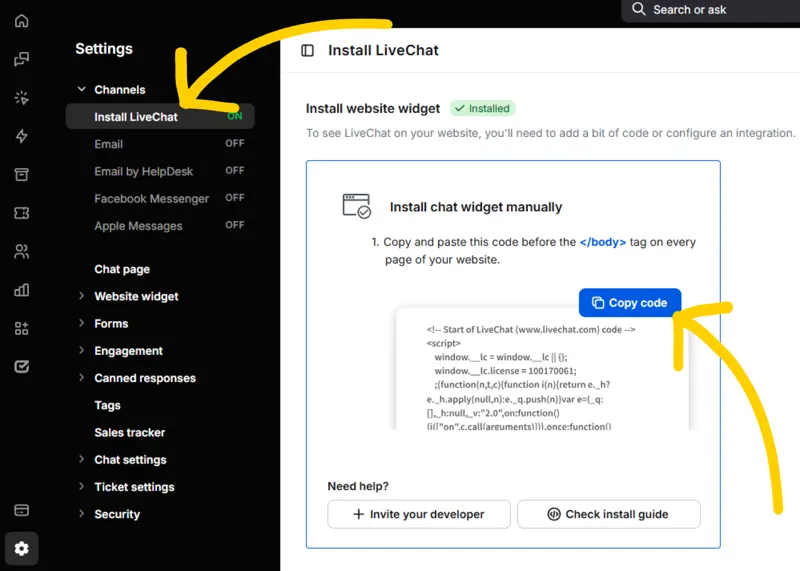
LiveChat offers a way to deploy chat across multiple websites. For teams managing multi-brand or multilingual sites, the key is to correctly identify where visitors are entering from.
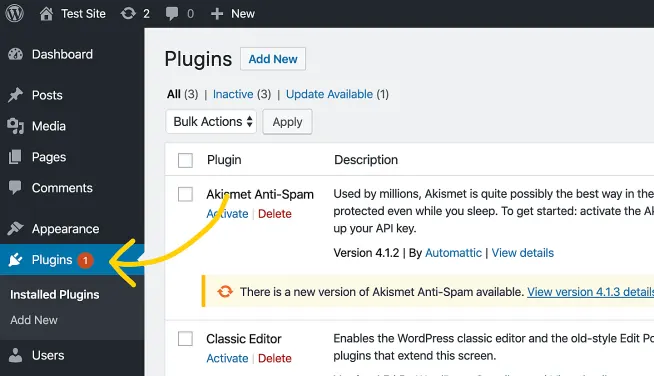
LiveChat offers WooCommerce integration, allowing merchants to connect their customer service workspace to their WordPress marketplace and configure the chat component.
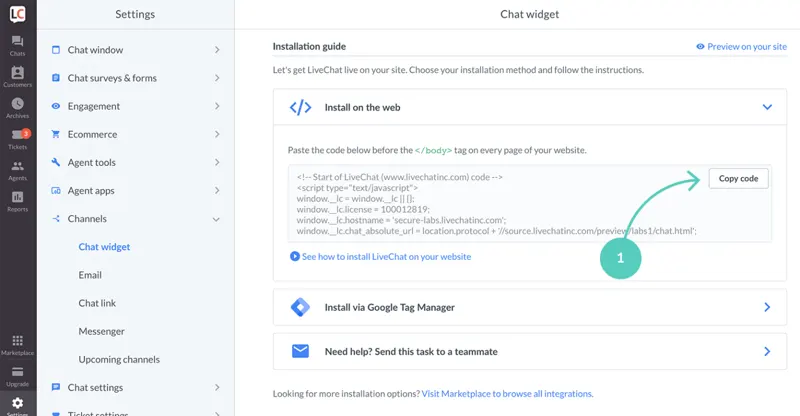
Learn how to add live chat to your Cloudbeds booking page. Answer customer questions in real time, proactively drive more bookings through chat, and more.
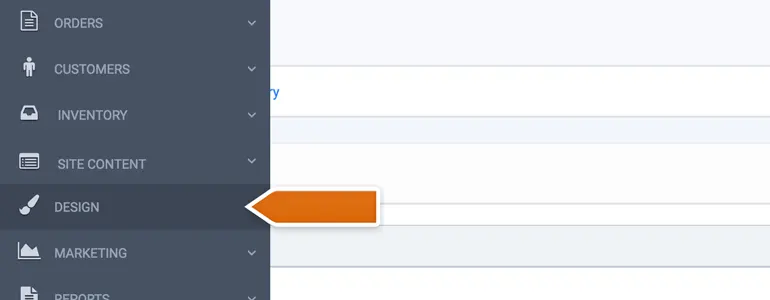
CoreCommerce: Add chat functionality to your store and wow your customers with exceptional customer service. Close more deals in just a few simple steps!
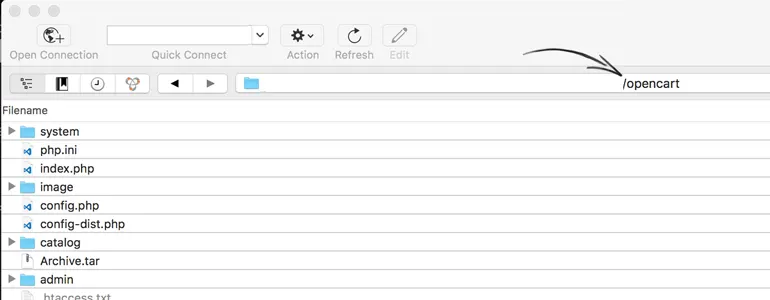
Installing LiveChat in OpenCart involves two steps: first, enable the module, then place it in the layout you're actually using. If you only complete the first step, visitors may still not see the window.
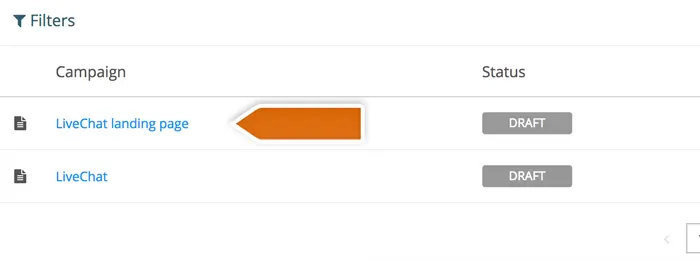
Add a top-tier online chat plugin to your Wishpond landing page. Leverage advanced tools integrated into a single application to engage with visitors, provide support, sell products, and drive conversions.
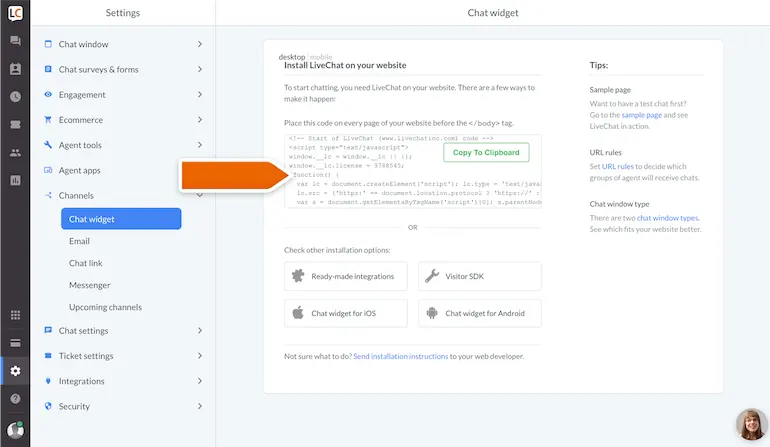
Start interacting with your Yola website visitors using the online chat feature. Install a custom online chat window on your Yola website.
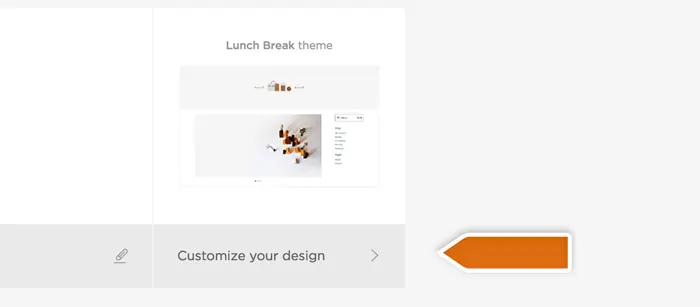
Add a top-tier online chat plugin to your Big Cartel store. Utilize advanced tools integrated into a single application to engage with visitors, provide support, sell products, and boost conversion rates.
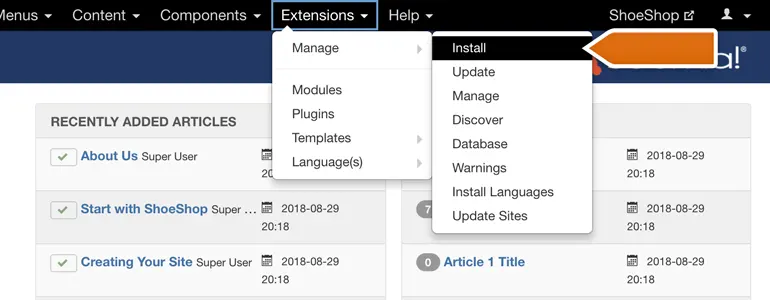
The Joomla plugin connects the chat window to the LiveChat workspace. Installation, activation, and login binding are three distinct steps; after deployment, you should check that the window appears in the actual template you are using.
LiveChat documents both code-based installation and platform integrations. Give a single plugin or template clear ownership of the widget load.