LiveChat · Jumpseller: Add online chat functionality to your store
Learn how to add the LiveChat chat plugin to your Jumpseller online store in just a few simple steps. Boost customer engagement without any programming skills!
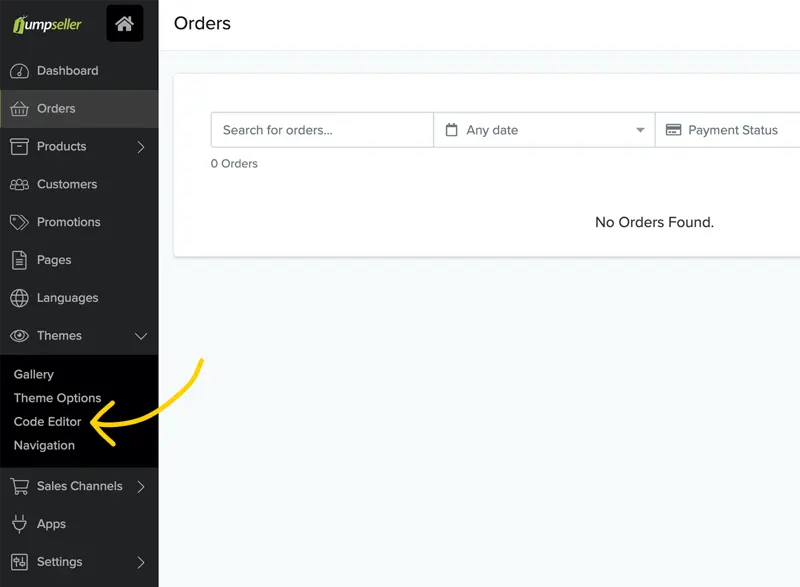
Installing LiveChat in your JumpSeller store is quick and easy.
Log in to LiveChat in a new tab, then go to Settings > Chat Widgets > Channels.
Copy the code to use it in JumpSeller.
Please visit your website and refresh the page to see the chat widget that has been installed on your website.
Upon completion of installation, the acceptance log should include the test page, test equipment, message sending time, and agent receiving time. If simply seeing the chat icon is insufficient to confirm message delivery, a two-way reply should be completed.