Product updates
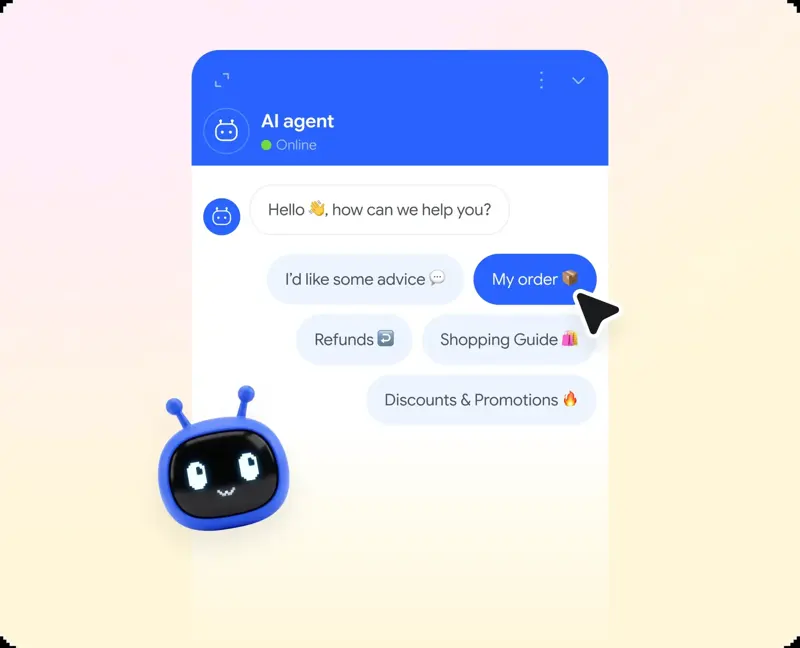
Smartsupp · With just one click, visitors can start chatting
Add up to 5 topic buttons below the AI agent's welcome message.
69 results
Add up to 5 topic buttons below the AI agent's welcome message.
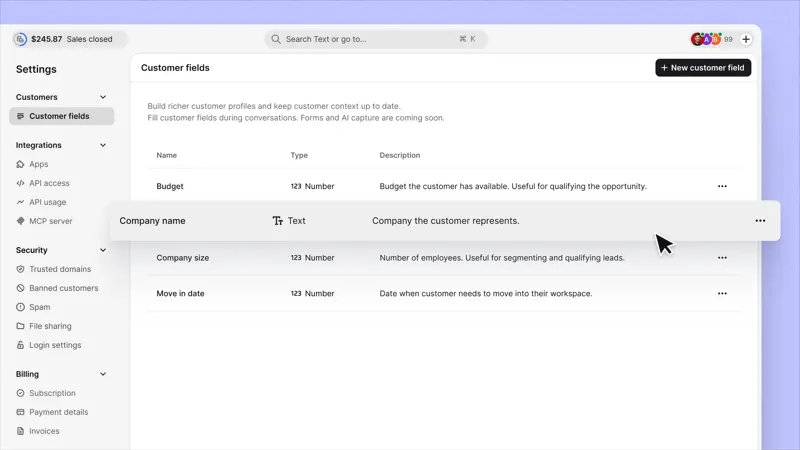
Add, edit, or delete custom customer fields on a dedicated "Settings" page. Correct errors as needs change.

Change the time zone in the Text report so that teams in different countries see the same data. Charts and daily tables will be updated accordingly.
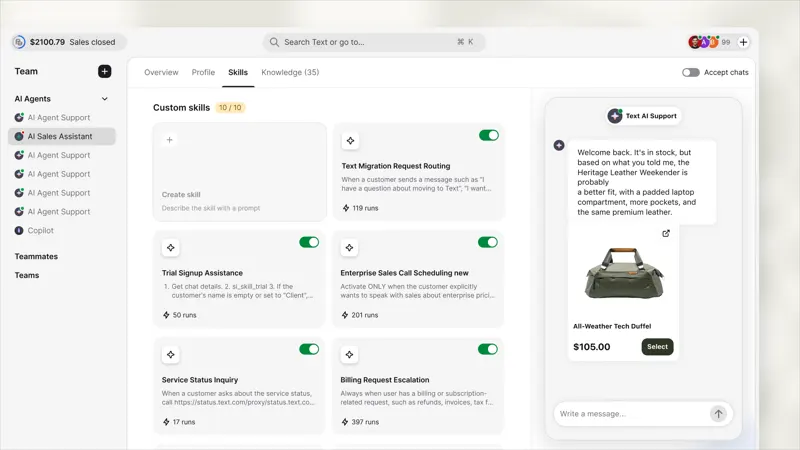
Product cards will now appear in the settings preview. Please test the complete purchase process before going live.
Describe what you want to happen, and Text will turn it into an editable automated process for your team to use. Workflows and custom skills are now combined into one: skills.
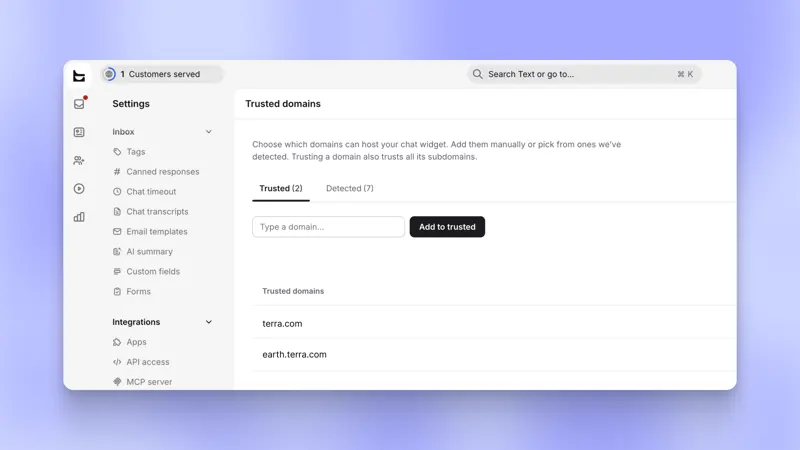
Please specify the websites that are allowed to run the chat plugin. Please provide the full domain name and its subdomains, or an entry accurate to the word level. Otherwise, the plugin will fail to load.

When a product listing includes a price, Smartsupp AI customer service can display the price on a recommendation card, making it easier for buyers to compare multiple products in the chat window.
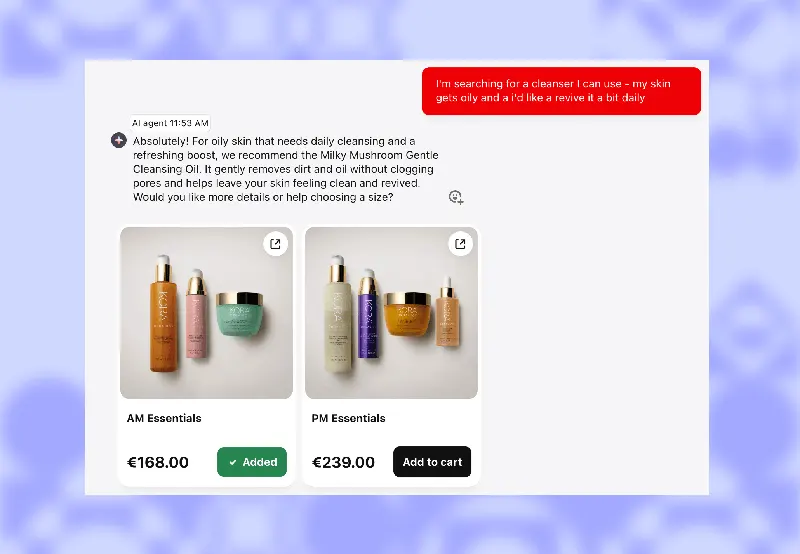
When an AI assistant recommends a product, visitors can now add it to their cart without leaving the chat interface. A single tap adds the item to the cart.
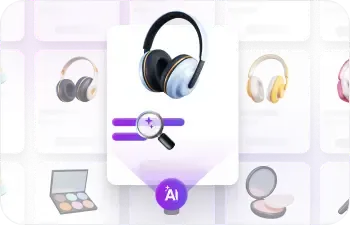
Still worried about inventory issues? Your AI shopping assistant can now understand your inventory situation.
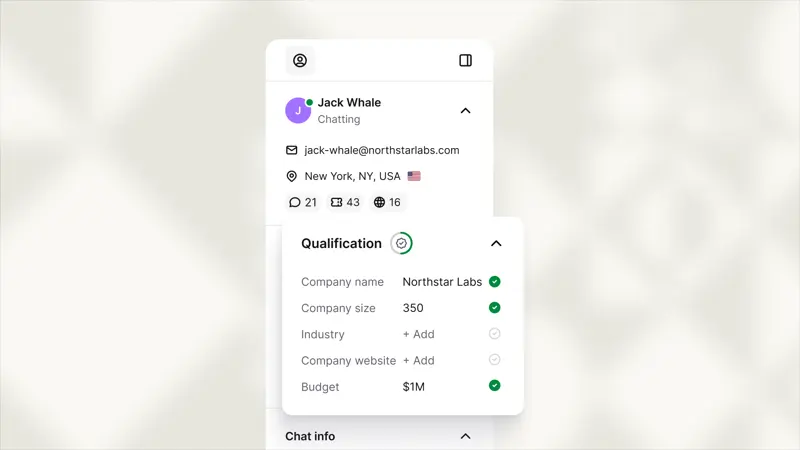
Now, customer qualification details are saved in the customer's profile instead of disappearing after the chat ends.
Process refunds, returns, and warranty claims; support tickets include order information. Supports Shopify and WooCommerce stores, as well as custom stores.
Type "/" in the message box to open text shortcuts. Find chat tools, send forms, use the AI assistant, and manage conversations in a searchable menu.
Browse profile cards within the text. Hover your mouse over a teammate, client, AI agent, or Copilot in your inbox to preview details and access profiles, reports, and settings.

Introducing Mira AI, Smartsupp's brand new chatbot, which abandons pre-written replies and achieves natural, human-like conversations, usable with just a few clicks.
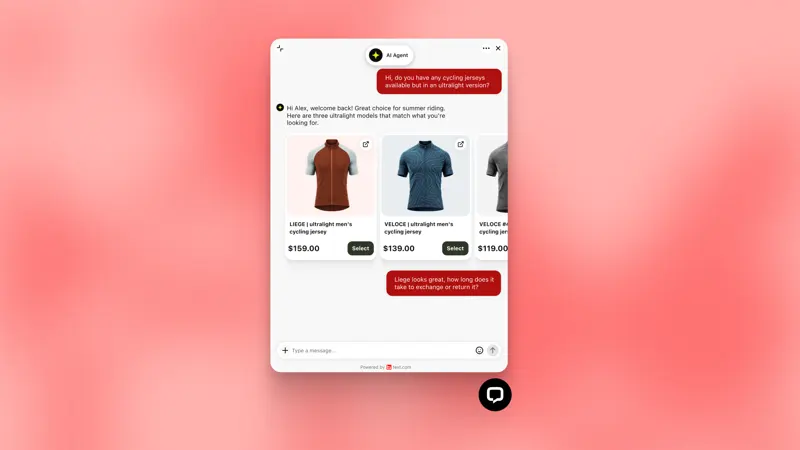
Your AI agent's product recommendations will now be expanded to a readable size, including photos, prices, add-to-cart information, and a clickable image gallery.
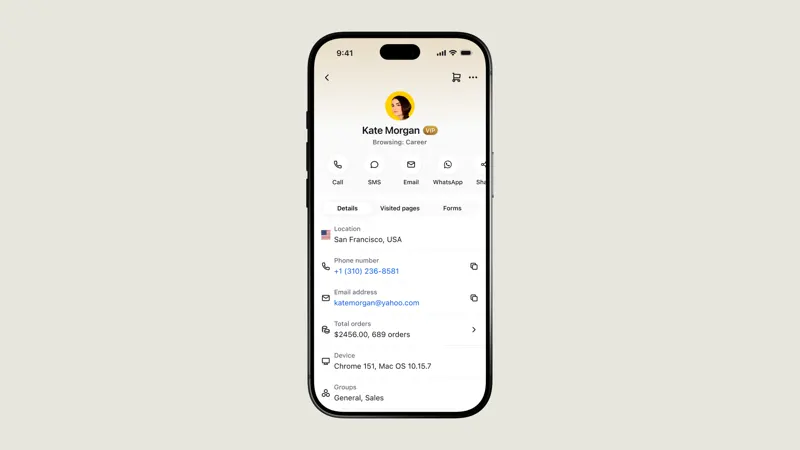
On mobile devices, users can quickly select contact information from customer profiles or the current chat. Whether this option appears depends on whether a valid phone number or email address is already saved in the profile.
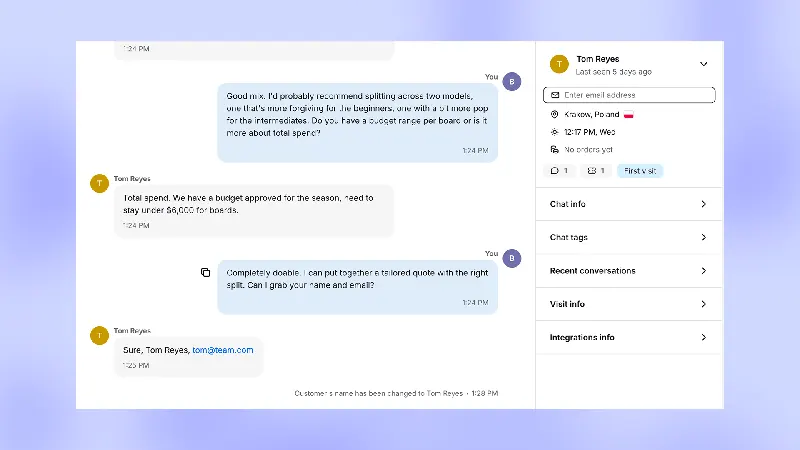
Customer service staff can now correct customer information during the chat without leaving the conversation. In the ticketing system, the requester's email address has been moved to a separate field above the message input box.
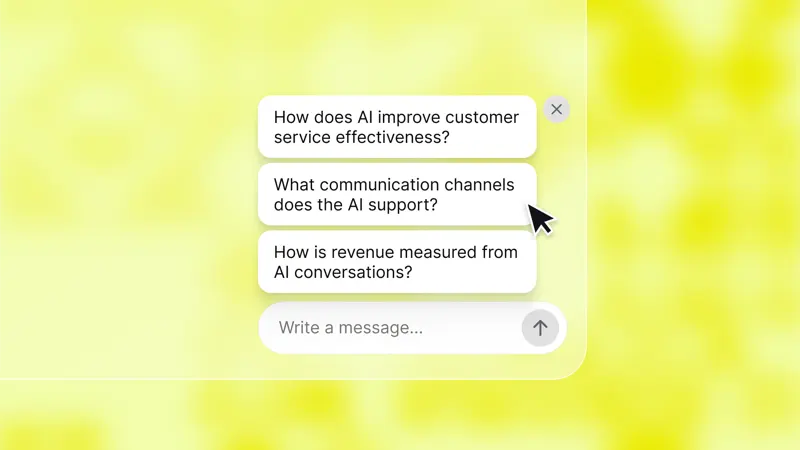
Now, the minimized widget displays a question generated by AI for the visitor's current page, allowing them to start a conversation before opening the chat window.
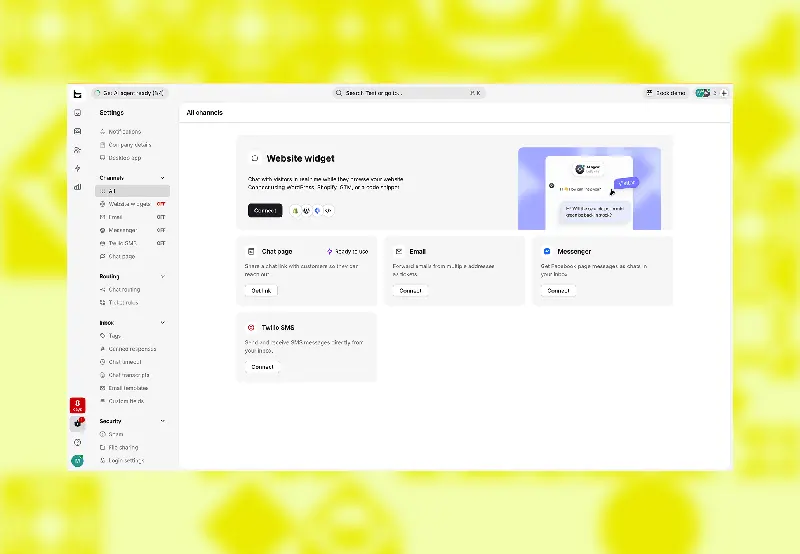
A new "Settings" page has been added, displaying each channel you can connect to (website widgets, email, instant messaging applications) and its current status.
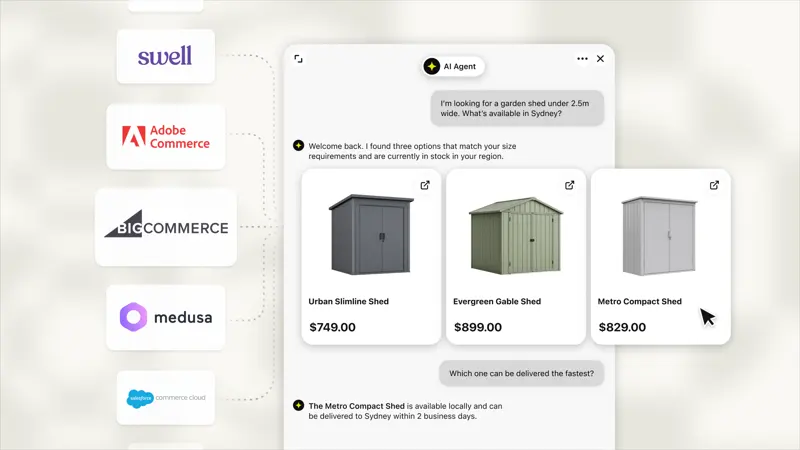
Regardless of what system your store runs, AI agents will now recommend products based on the product catalog you upload.
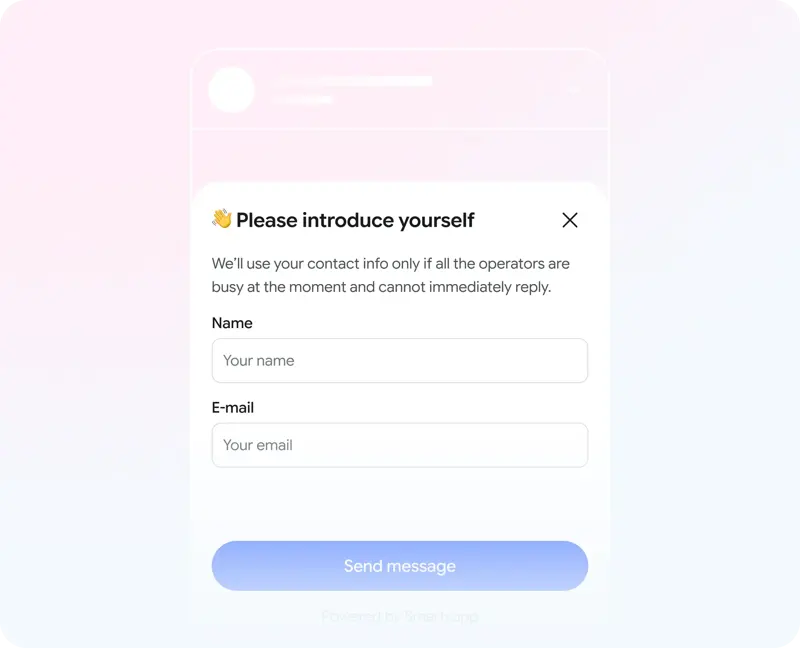
The same contact information form can be placed in different stages. Smartsupp's AI settings control when to ask for information, while the required fields are still determined by the chat window settings.
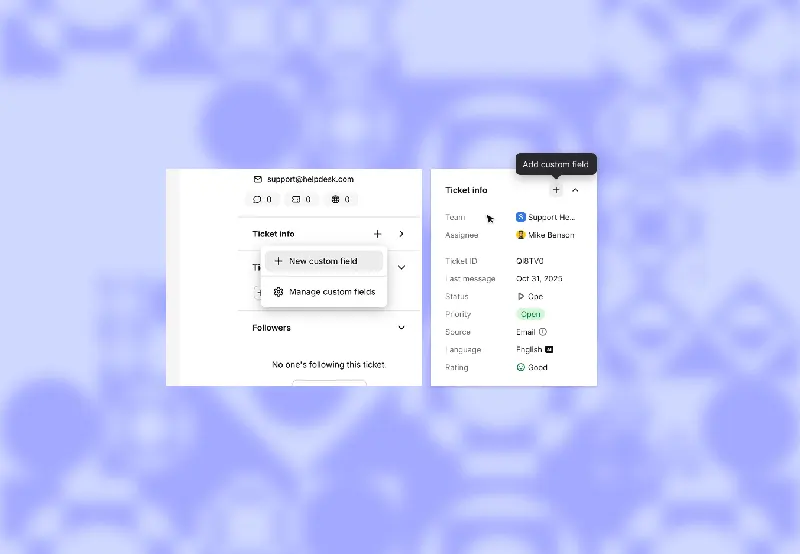
Placing order numbers in the remarks section makes them easy to miss, and using only labels for regions can easily result in multiple spellings. Text's custom fields for work orders allow you to assign names and types to these data, making them available for workflows and AI skills to read or update.

View today's sales figures without opening the Messages app. The new Real-Time Dynamics feature displays sales data in real-time on your lock screen, alongside your daily sales goals.
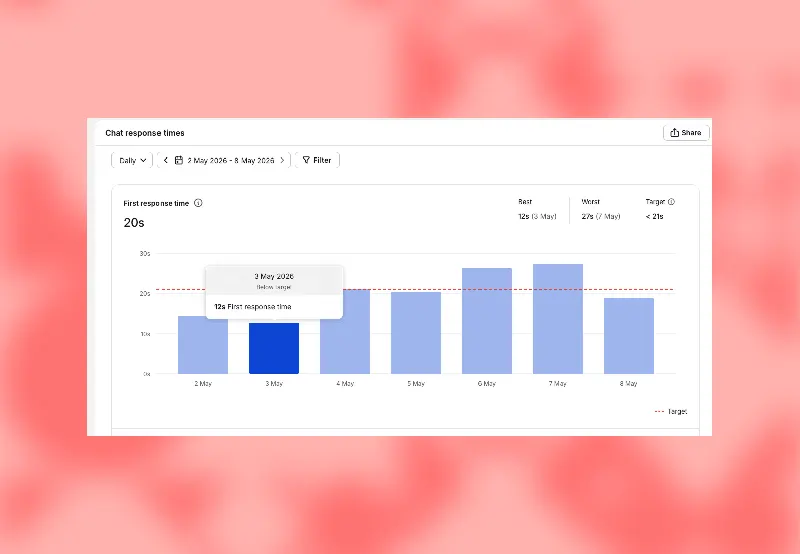
Managers can set targets for any individual metric report, either manually or by accepting suggested values based on recent results. Now, each report includes a line explaining the criteria for "good".