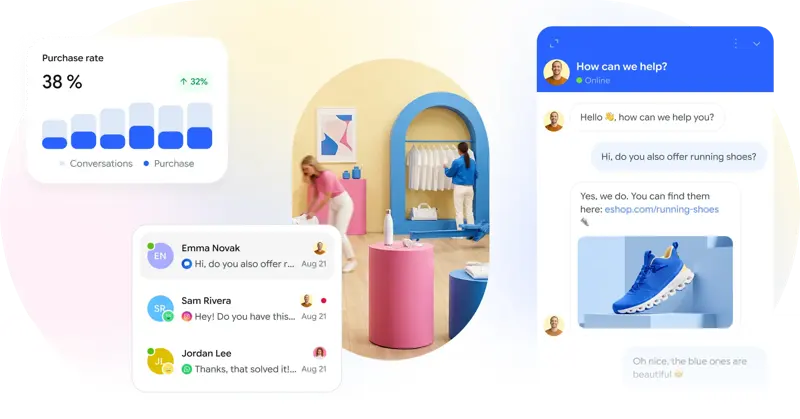
Smartsupp Chat Product Card Prices: Check product availability, currency, and price inaccessibility.
When a product listing includes a price, Smartsupp AI customer service can display the price on a recommendation card, making it easier for buyers to compare multiple products in the chat window.
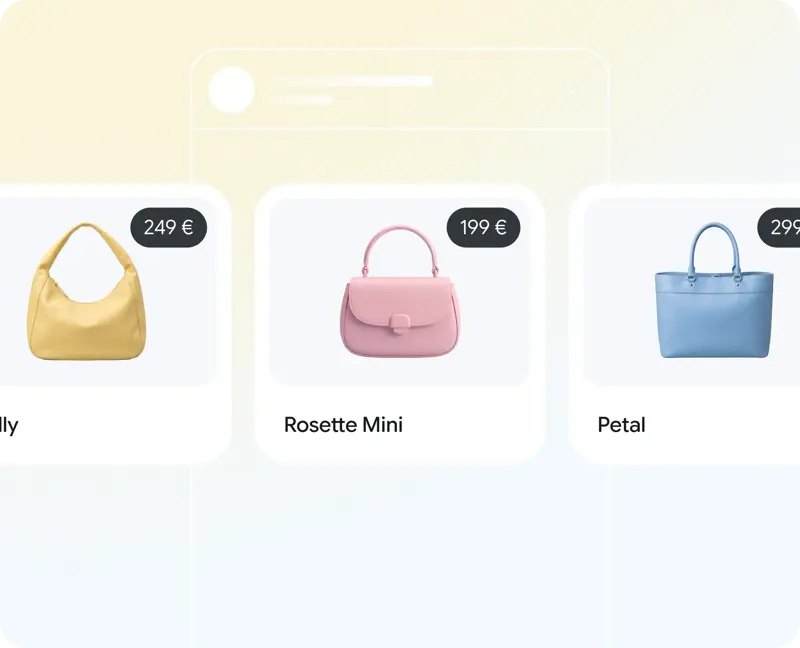
This display is enabled by default and can be disabled in the AI customer service settings. First, ask about three products: one with a fixed price, one on sale, and one without a price. Don't just verify one sample with complete information. Compare the currency, amount, and product variations on the current store page, and record which information was provided by the product source.
If the card does not have a price, first check if the corresponding product has a price in the data source, and then check that the switch matches the product. If the source only provides a uniform USD price, but the store exchanges currency by region, ensure that the card clearly indicates the currency to avoid customers misunderstanding the same number as their local currency.
For wholesale items requiring price inquiries, and for items with variable shipping costs or tax-inclusive terms, first assess whether displaying the amount is appropriate. The price displayed on the chat card does not equate to an established order; the transaction amount still needs to be verified in the current settlement process.