Webflow integration with Text customer service: Deploying chat, training AI, and following up on offline inquiries.
Integrating Text through the Webflow marketplace allows you to add real-time chat, AI, and a shared inbox to your site. Implementation priorities include component placement, knowledge resources, and assigning responsibility for different initiatives.
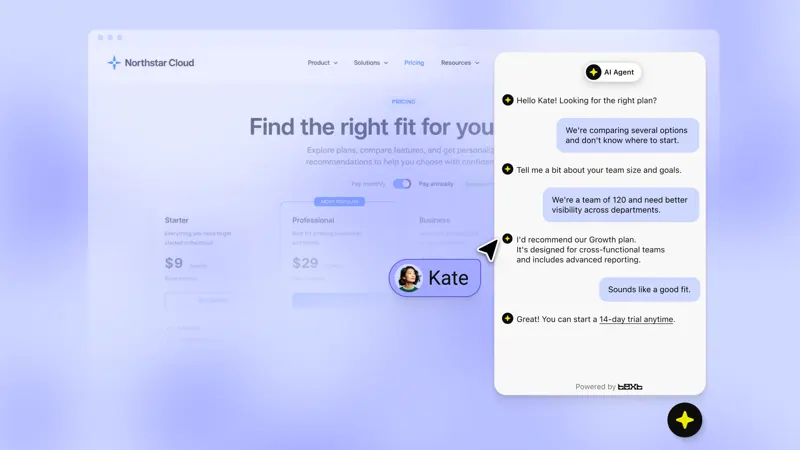
Select the corresponding site from the app store and connect your account. Add a chat window to the target page. After publishing to the test domain, send a product question from both your mobile phone and desktop, confirming that the message has entered the correct workspace. If the original site already has a manually embedded window, first check to ensure it is not being loaded repeatedly.
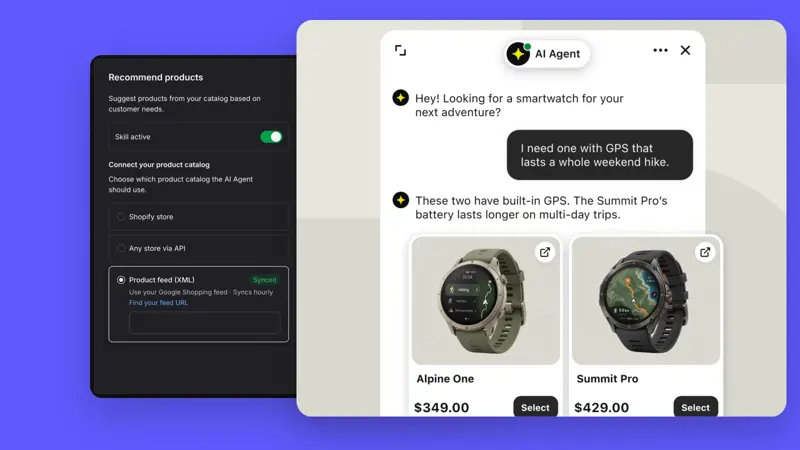
Incorporate specifications, shipping, and return/exchange policies into the knowledge base. Have buyers access the product page and ask a question applicable only to that model; check if the system can provide an accurate response by combining the page layout with the chat. For wholesale or quotation matters exceeding the available information, arrange for human intervention.
Submit the sample request again when no one is on duty, and check if the buyer's contact information, viewed products, and asked questions can be found the next day. After going live, compare the results of proactive prompts and naturally initiated chats to determine which pages are suitable for retaining prompts.