Text Spotlight Unified Search: Retrieve chats, tickets, and contacts by order number.
Spotlight allows you to search chats, tickets, and contacts all at once. Agents first enter keywords and then narrow down the search using result tags, eliminating the need to guess in advance which category of records the information is stored in.
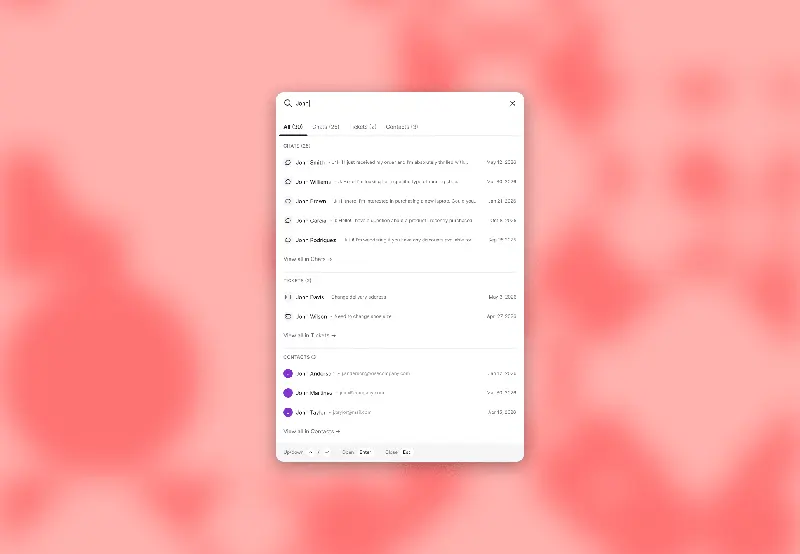
Start with the two leads customer service representatives encounter most frequently: buyer name and order number. When using names, be aware of customers with the same name; when using order numbers, verify that the number is indeed entered into a searchable record. Switch categories using result tags to avoid repeatedly entering the same query.
After finding a matching session, first verify the customer, channel, and message time before opening and processing the associated ticket. If using a shared email address to process wholesale orders, be even more careful to verify the specific specifications and the contact person's role to avoid replying to another purchasing agent within the same company.
In addition to searching records, typing "go to" will quickly open the main area or inbox view. During training, practice "searching for an object" and "going to a workspace" separately. Recent search history and other features still pending should not be included in the selection list as features already implemented in this update.