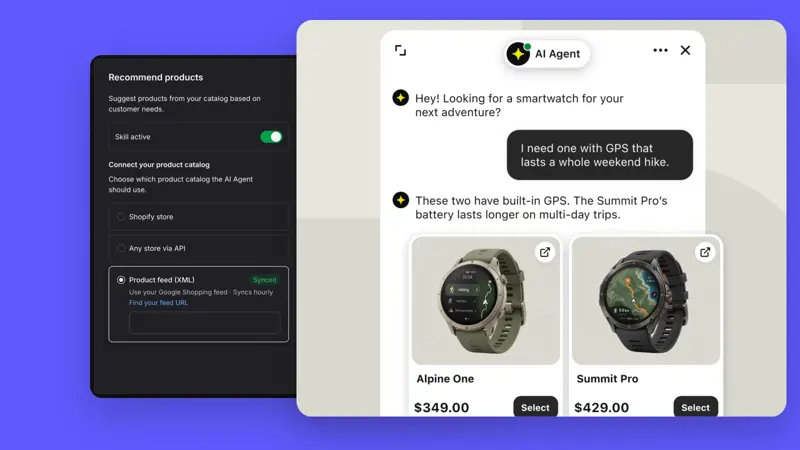
How to review the original chat that triggered the after-sales issue on a Text support ticket?
Text tickets created from chat can be viewed via the top chat card, which provides a summary of the original conversation and allows you to return to the original chat history.
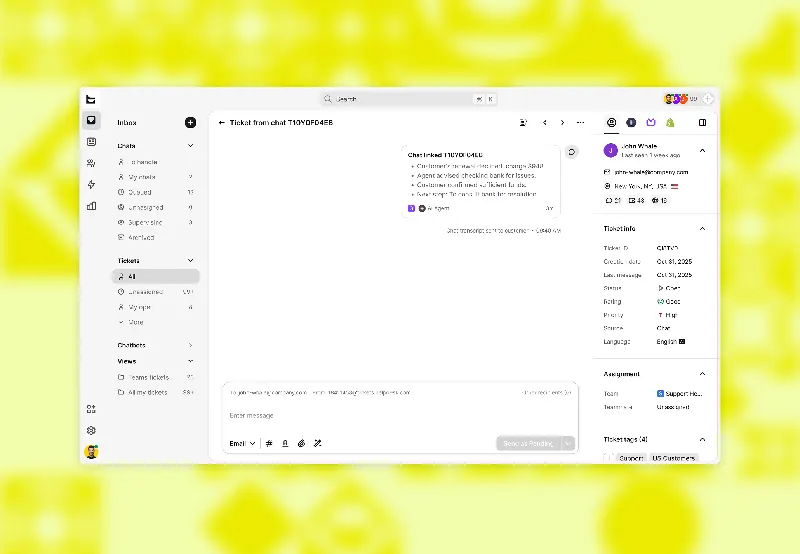
The on-duty personnel should first confirm the fault symptoms in the chat, then create a support ticket and forward it to the technical colleague. The receiving personnel should then return to the chat from the support ticket to verify the attachments, the original message, and the troubleshooting steps already attempted.
For digital product after-sales service that requires multiple rounds of follow-up, it is recommended to write the actions to be completed into a support ticket and retain the visitor's original description in the chat. This way, you can quickly distinguish between verified and pending information when shifts change.