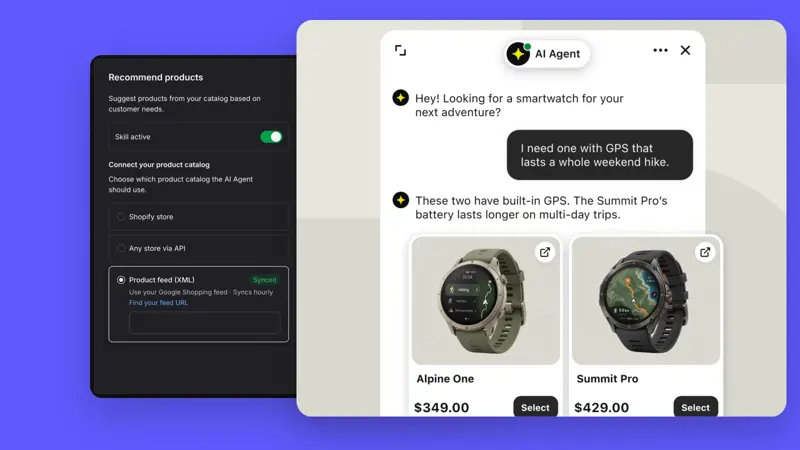
Shopify pre-checkout customer service integration: boundaries between product cards, shopping cart, and Plus checkout page.
Text's Shopify integration allows you to recommend product cards in chat and add them to your cart. The number of customer service entry points displayed on the storefront and checkout page depends on your store's package and actual configuration.
First, send a clear request on the product details page and ask customer service to recommend corresponding variations. After adding the item to your cart by clicking the card, verify the quantity, specifications, currency, and subtotal. If the item recommended in the conversation is sold out or cannot be shipped to the target market, check the catalog and store rules.
Follow the actual shopping path to view the shopping cart and checkout. The documentation identifies the checkout chat as a Shopify Plus feature; therefore, for standard plans, the focus should be on the support entry point before checkout. After switching themes, also re-check whether the embedded functionality is enabled in the currently used theme.
Test returns, shipping costs, and delivery time as three separate issues. Successfully adding a product card only proves the purchase path is working; it doesn't prove inventory, delivery commitments, or successful order payment. These can be verified separately using trial orders and customer service conversation records.