WhatsApp Business support integration: verify a number and test handoff
Customers stay in their WhatsApp thread while agents reply from a shared inbox. Setup involves Meta business assets and a verifiable phone number.
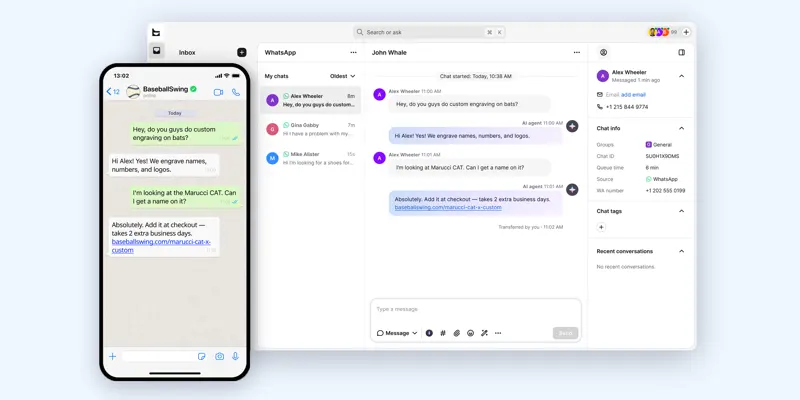
Check the current use, owner and app registration of any live number before selecting a trial number. Follow the WhatsApp connection in settings to authorize the business and verify the number. Send an inbound message from a different handset and locate it in the workspace.
Ask about shipping, then request an address change requiring a person. Check that history follows the handoff and automated replies stop. Confirm current conditions separately for number migration, business-initiated messages and later follow-up.