LiveChat · PageCloud: Add online chat functionality to websites created using PageCloud
Provide live chat customer support for visitors to your PageCloud website. Engage with users through automated marketing campaigns.
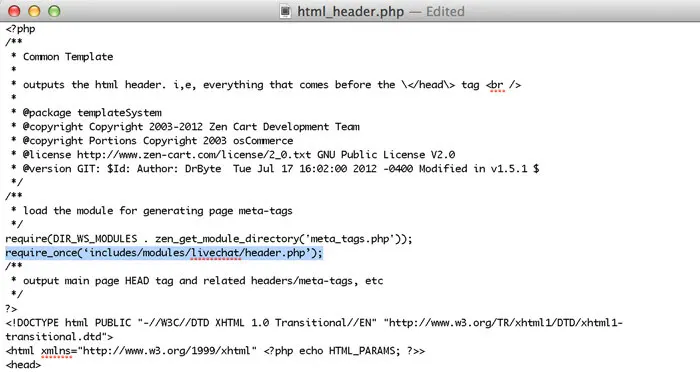
Copy this code from the chat widget section of your LiveChat account (Mac users press CMD+C, Windows users press CTRL+C).
Log in to your PageCloud account and start editing your page, making changes where you want to place LiveChat.
With LiveChat, you can also set up automated marketing campaigns to send messages to visitors at the right time, helping you manage and organize visitor requests.
Upon completion of installation, the acceptance log should include the test page, test equipment, message sending time, and agent receiving time. If simply seeing the chat icon is insufficient to confirm message delivery, a two-way reply should be completed.