LiveChat · Blogspot's online chat
Install LiveChat on your Blogspot blog and give your readers the opportunity to share their opinions with you in real time.
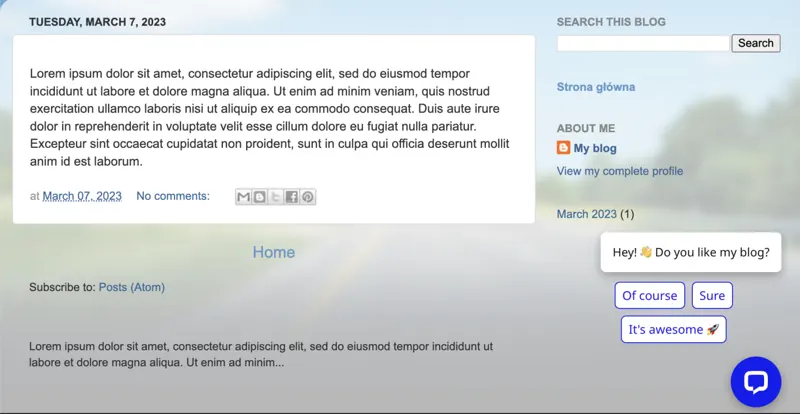
Install LiveChat on your Blogger blog and let your readers discuss your recent posts with you.
Log in to your Blogspot panel and select a theme.
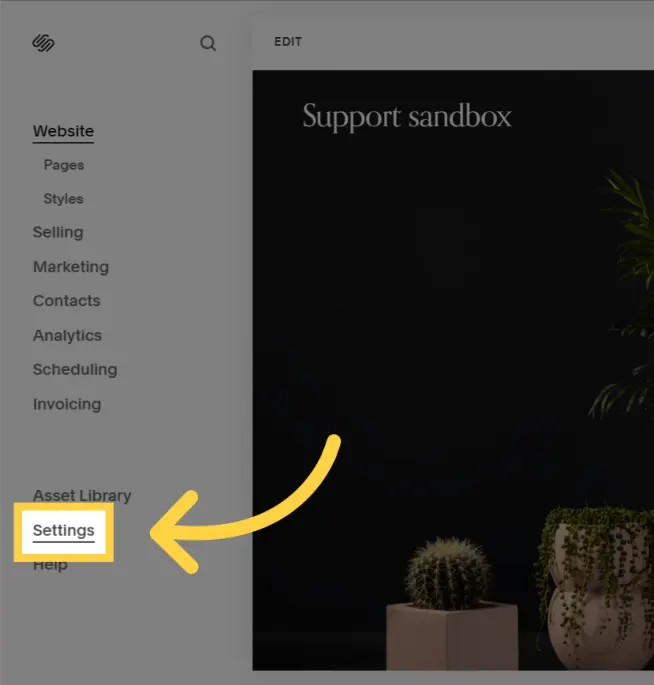
To find your license ID, go to Settings > Channels > Chat Page in the LiveChat Agent app and copy the license ID you find there.
Upon completion of installation, the acceptance log should include the test page, test equipment, message sending time, and agent receiving time. If simply seeing the chat icon is insufficient to confirm message delivery, a two-way reply should be completed.