Add LiveChat to Unbounce landing page: Verify reception entry by page variant
Multiple release variations may exist for the same marketing page. LiveChat's Unbounce installation process starts from the editor of the specified variation, so acceptance should also be performed at each actual launch entry point.
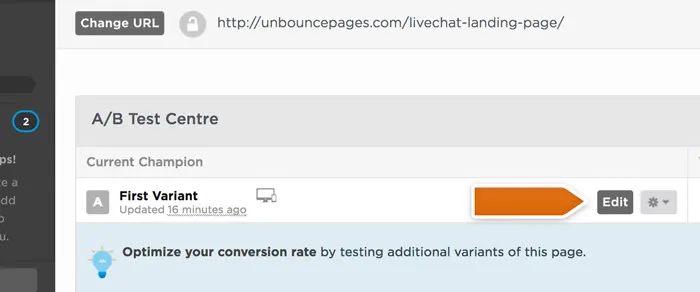
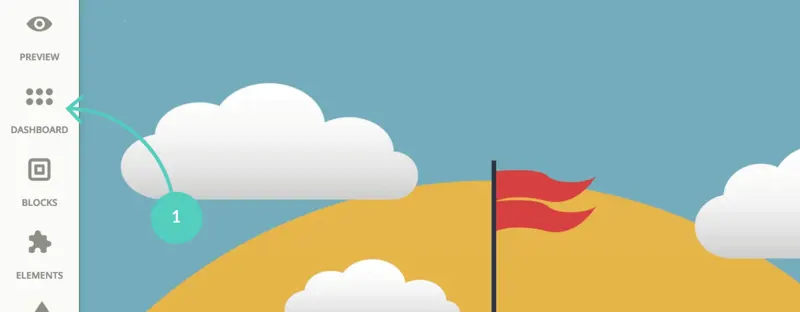
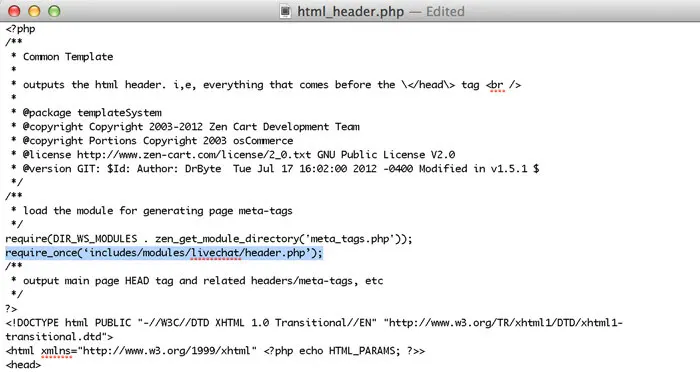
Select the landing page and target variant and open the editor. Add the corresponding LiveChat installation code for the workspace in the script manager, and save the script and page. First, record whether the original tag manager and theme have loaded the same code to prevent two sets of chat windows from appearing on one page.
Open the landing page from the actual URL and check if the desktop button, mobile CTA, and pop-up customer service window are obstructing each other. Initiate inquiries from both campaign variations to verify which message the customer service backend received and the page the visitor accessed, ensuring no variation is missed.
One final test should be conducted under the scenario where there are no online agents. If the ad is placed overseas but customer service is only available during domestic working hours, ensure that visitors know how to respond. Record the variations, work areas, and acceptance dates for both the ad placement and customer service teams to facilitate review and revisions in the next round.