LiveChat · Leadpages: Add online chat functionality to your landing page
Add top-tier online chat plugins to your Leadpages landing pages. Leverage advanced tools integrated into a single application to engage with visitors, provide support, sell products, and drive conversions.
Integrating LiveChat with Leadpages opens up a new communication channel, allowing you to respond to customer questions and concerns more quickly, directly from the landing page.
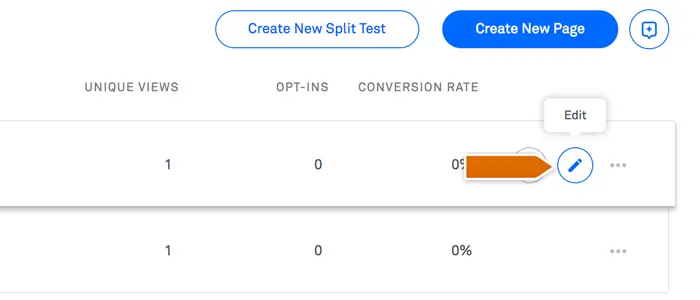
First, log in to your Leadpages control panel, then click "Edit" to access the landing page where you want to embed LiveChat.
Next, drag and drop the HTML widget onto your page.
Click anywhere on the widget, then paste your LiveChat installation code into the script box.
For wholesale business, target market, expected quantity, and intended use can be used as initial communication fields. First, define when to hand over to sales, then compare the actual number of leads that can be contacted after the handover, avoiding using form submissions to replace valid business opportunities.