Installing LiveChat in your Shopify store: From theme entry to order inquiry verification
LiveChat provides installation instructions for Shopify stores, enabling online customer service to be integrated into the store visitor experience.
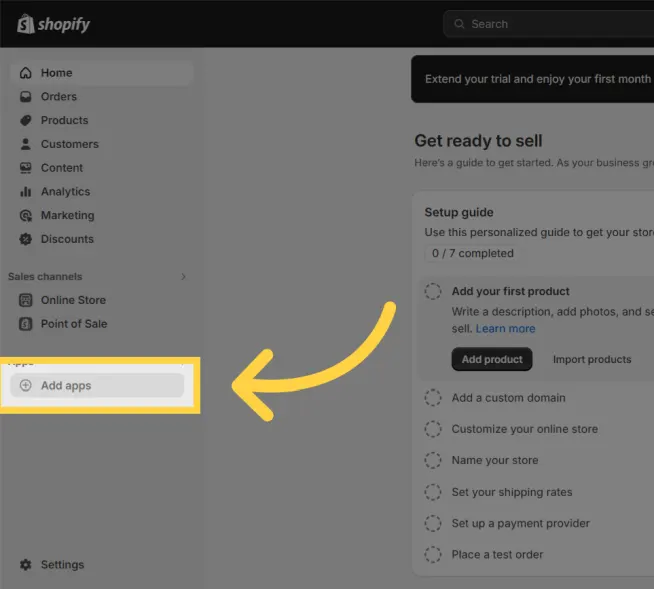
After correctly authorizing the store application, open the product, category, and shopping cart pages respectively. Initiate a test inquiry from both mobile and desktop to check the customer service entry point location and the workspace reception status.
When a theme has both a draft and a final version, it must be reviewed on a public page. Before going live, reconfirm the responsible team, offline status, and return/inquiry handover rules to avoid having no one to assist you after technical installation.