LiveChat · Homepage Overview
The homepage section is where you find the next steps for using LiveChat, as well as reports to help you achieve your business goals.
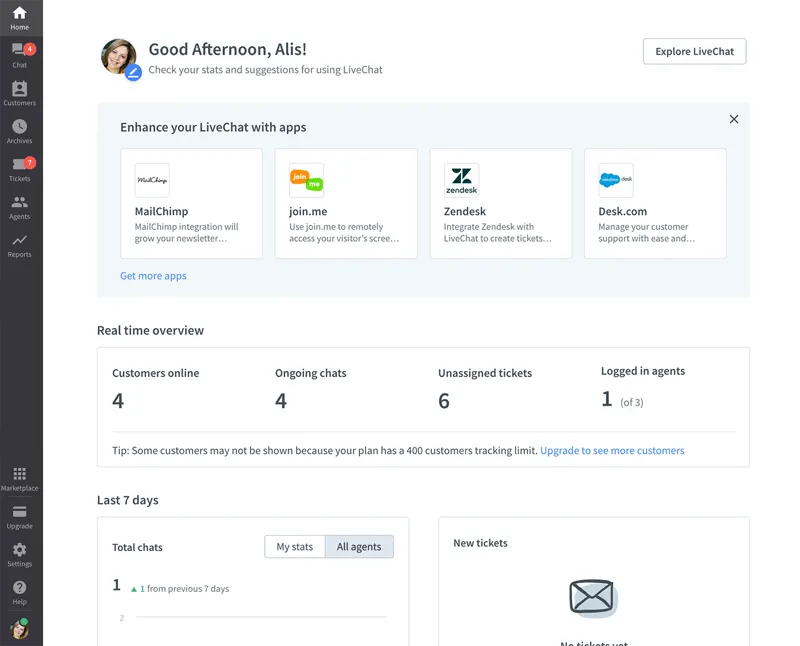
The homepage section is your first step in understanding how to use LiveChat.
Once you add the chat widget to your website and start talking to customers, you'll be able to view your metrics in the "Live Overview" and "Past 7 Days" reports.
In the "Recommended for You" section, you can find shortcuts to the most important settings.
You can enable the sales tracker so that every successful transaction will be displayed in your LiveChat report.
Upon completion of installation, the acceptance log should include the test page, test equipment, message sending time, and agent receiving time. If simply seeing the chat icon is insufficient to confirm message delivery, a two-way reply should be completed.