LiveChat · GoDaddy integration
Follow this tutorial to set up online chat on your GoDaddy page. Once set up, you can answer visitors' questions in real time.

Follow the steps in this tutorial to set up LiveChat on your GoDaddy page.
Then click "Site Builder" and select "Manage".
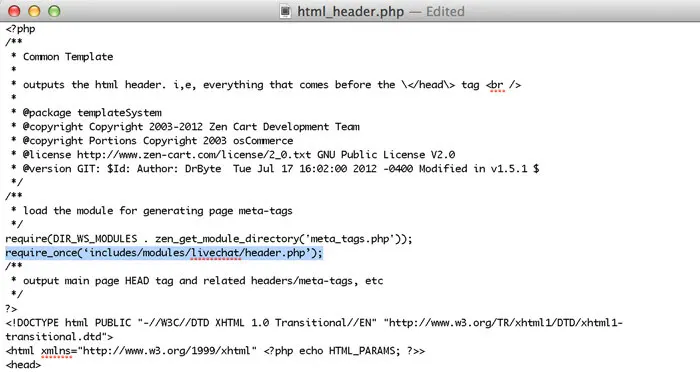
Paste the LiveChat tracking code into the "Place code before closing tag (all pages)" box.
You have just set up the online chat feature on the GoDaddy page.
Before integrating the two systems, first determine which side is responsible for storing customer identity, order status, and the last reply. After a record is changed, check when it becomes visible on the other side, then transmit it again using the same identifier to verify if a copy was accidentally generated.