LiveChat · SITE123: Add online chat functionality to SITE123
Add a top-tier online chat plugin to your SITE123 website. Utilize advanced tools integrated into a single application to engage with visitors, provide support, sell products, and boost conversion rates.
Add online chat functionality to your SITE123 website and start converting your online visitors into customers.
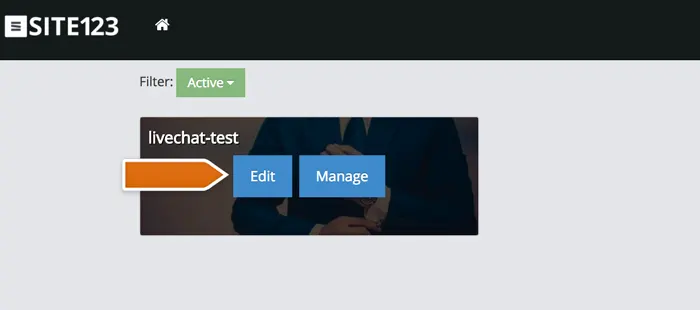
Go to the SITE123 website, log in to your admin panel, and then click Edit.
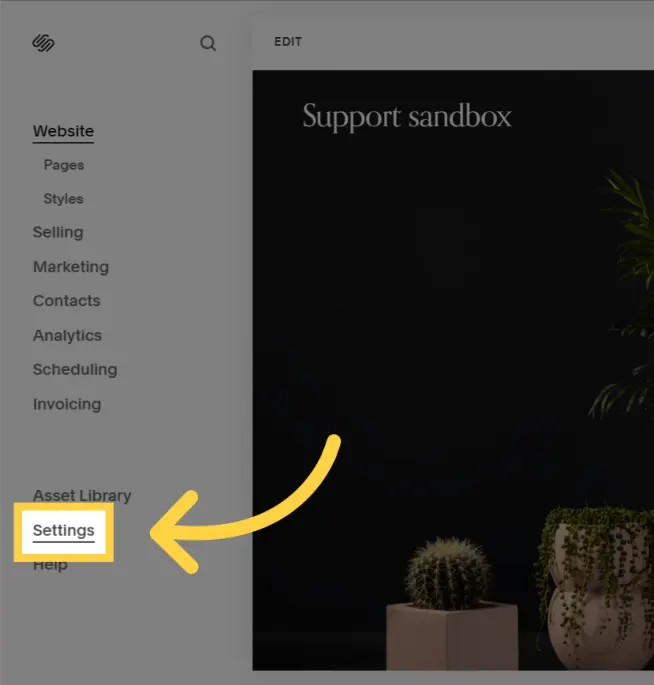
Go to "Settings" and then select the "Manage Plugins" tab.
Select LiveChat from the list of available integrations, and then click "Add".
Upon completion of installation, the acceptance log should include the test page, test equipment, message sending time, and agent receiving time. If simply seeing the chat icon is insufficient to confirm message delivery, a two-way reply should be completed.