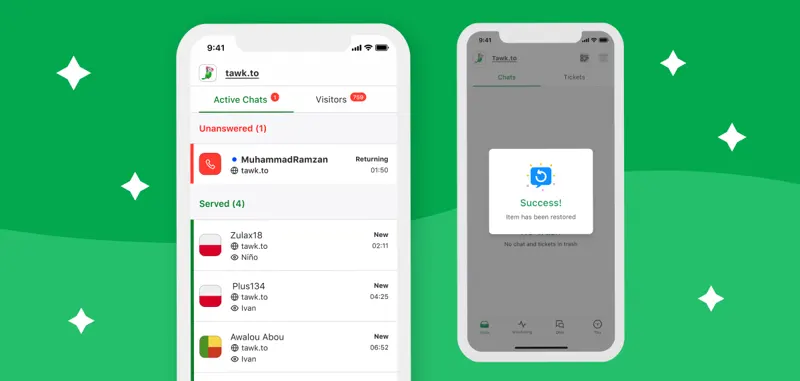
tawk.to Inbox Split View: How to Balance Queue and Conversation Details
The tawk.to inbox provides a columnar view, allowing staff to view selected sessions while browsing the queue.
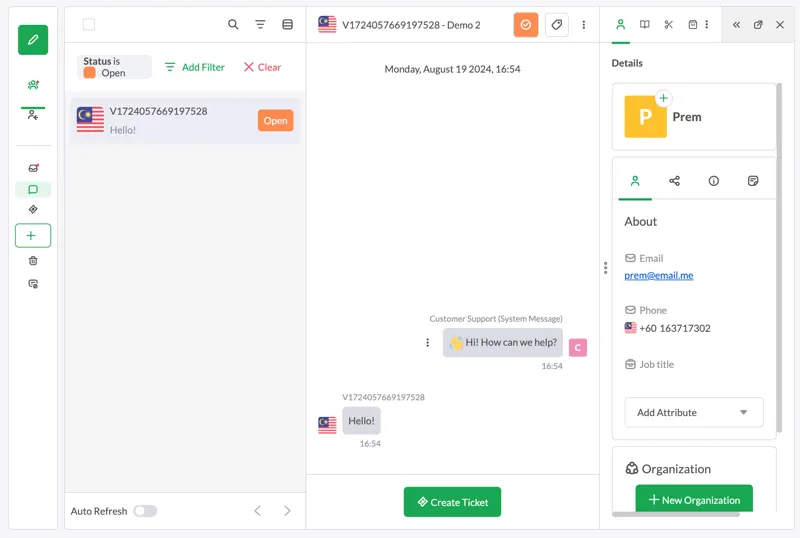
Before handling peak after-sales periods, open a queue containing multiple conversations. Select a record and compare whether the customer's identity, last reply time, and pending tasks are clearly visible under both column-based and single-column layouts.
If the screen is small, the columns may crowd the main text. Test the keyboard navigation and drafts after switching sessions to see if they meet the team's expectations before deciding which view to use on different devices.