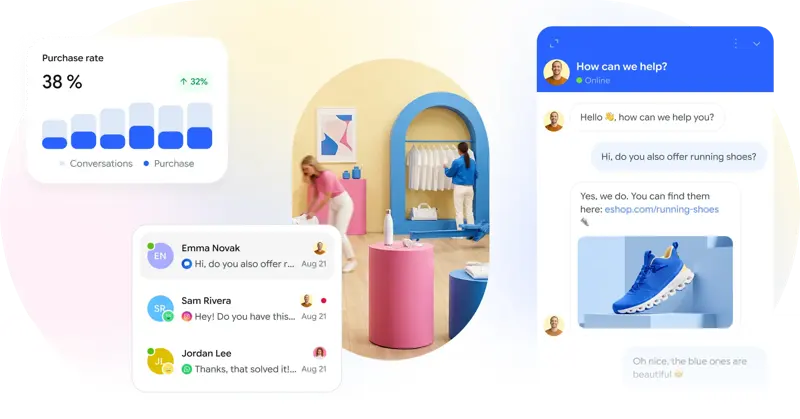
Choosing an online customer service plugin for your WordPress website: First, check the theme and mobile performance
This article discusses Smartsupp's WordPress customer service selection process, exploring the methods and factors to consider when introducing chat into a website.
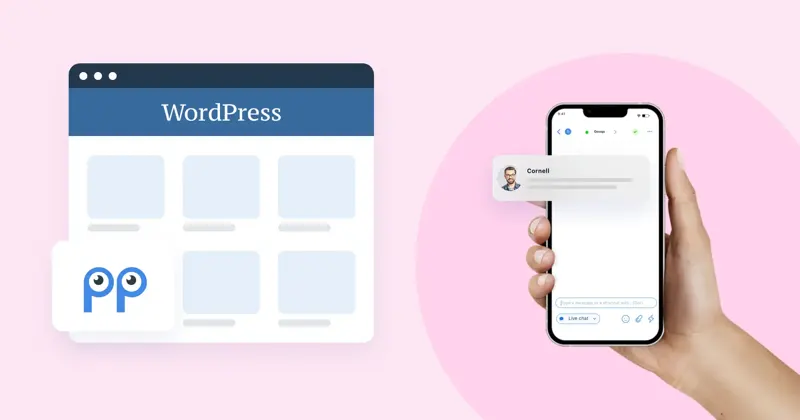
Install the candidate tools on the pre-release site and check the articles, products, and contact pages in turn. If the site has caching or script lazy loading enabled, verify that the chat entry is available as both a logged-in and a guest.
Integrate language switching, bottom navigation on the phone, cookie selection, and chat windows into the same acceptance test. After deployment, it's also important to know where to disable plugins and whether the page will still load duplicate scripts after disabling them.