Webflow Customer Service: Setting up the Chat and Ticket System
Webflow provides a website, not a way to reply to website users. Here's how to add an online chat and ticketing system.

The Webflow forms that point to the shared inbox are essentially just a ticketing system in name only: email, but with a bit more promise.
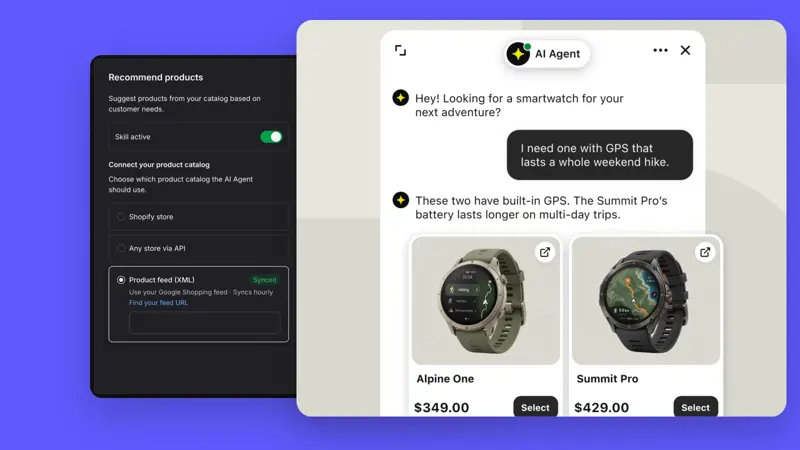
This is a tool that connects online chat, help desk, and AI agent.
A single workspace encompasses an AI agent, live chat, a help desk, and a shared inbox, so the chat and ticketing systems are connected, rather than being pieced together from two separate platforms.
The chat window on Webflow.com is for sales, not technical support, and most users cannot use the online chat function.
Select a work order that needs to be processed across shifts, and record the responsible person, priority, completed actions, and next update time. Have another agent read the record only and then continue responding, checking if it is still necessary to repeat the inquiry with the buyer.