Product updates
Track your sales on Text
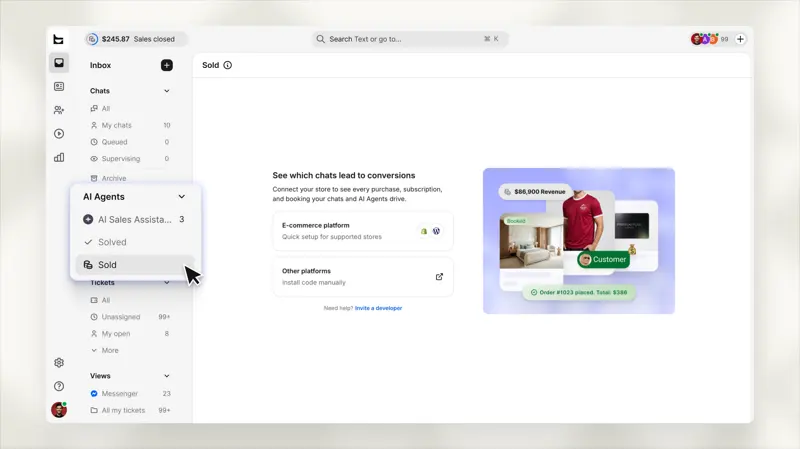
Monitor how chat contributes to your revenue. New settings options let you easily track your chat-generated revenue with just one click.
124 results
Monitor how chat contributes to your revenue. New settings options let you easily track your chat-generated revenue with just one click.

Reply to Instagram messages in Smartsupp.
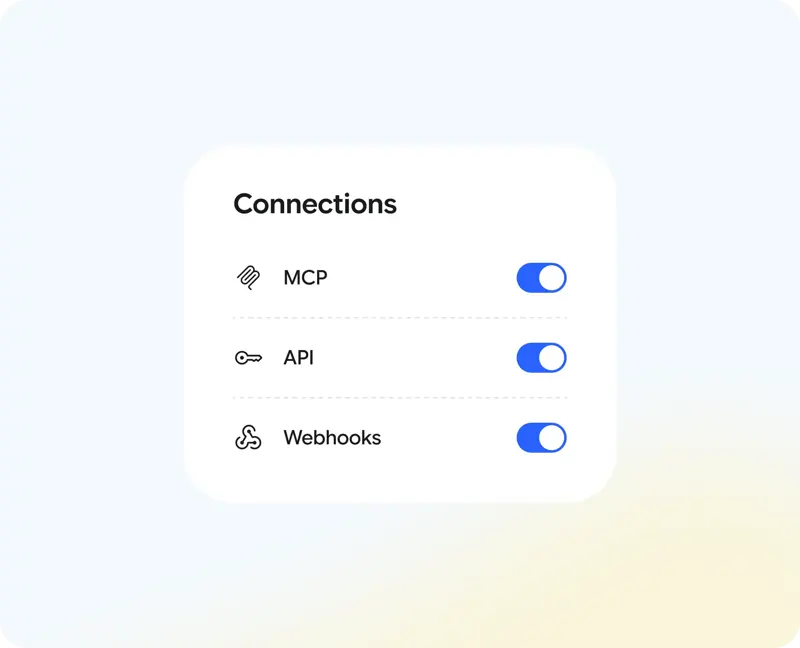
Smartsupp can be used not only within the application, but also connected to your own systems, automated processes, or AI systems you are already using.
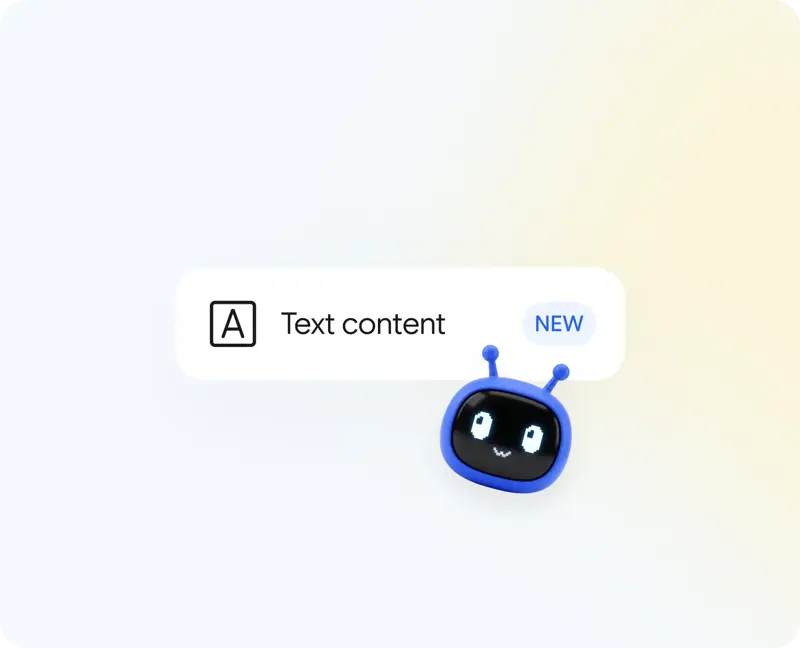
Your Mira now has a new source of knowledge, giving you greater control over your content.
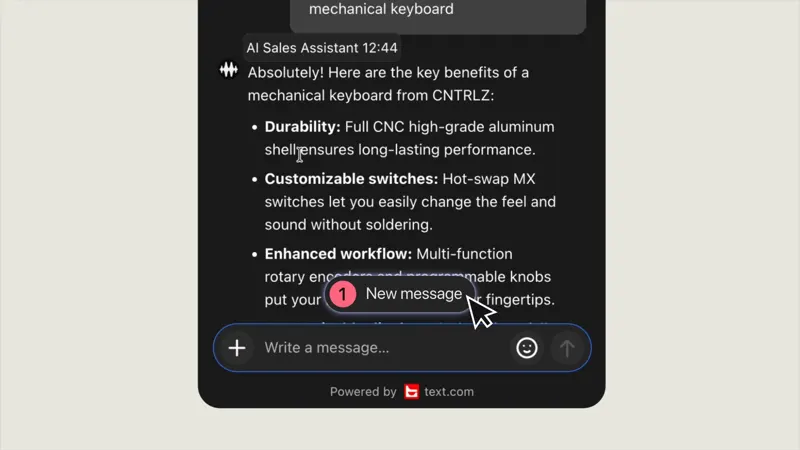
The chat window can now correctly format AI agent replies and display them on the screen as the customer reads them. A prominent label will appear at the top indicating a new message.
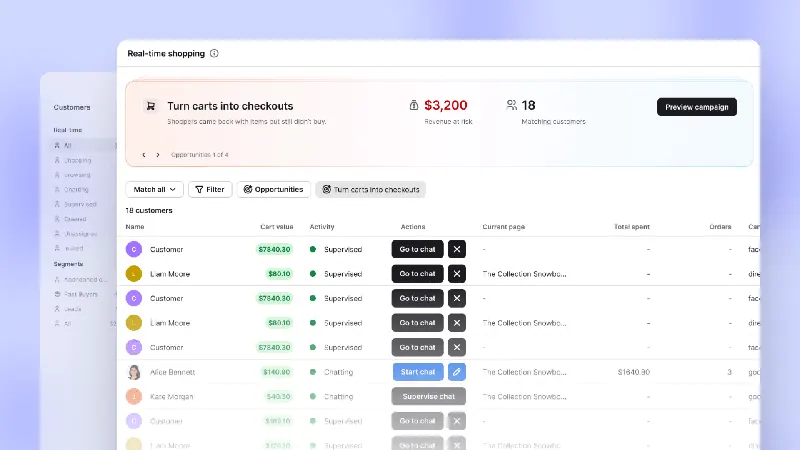
Now, the opportunity detection feature allows you to filter visitors who meet your criteria directly from real-time signals. In addition, we've launched four brand-new lead generation templates to help you capture visitors before they decide to stay or leave.

This report compares AI agents, human agents, and chatless sales so you always know exactly which conversations are actually generating revenue.
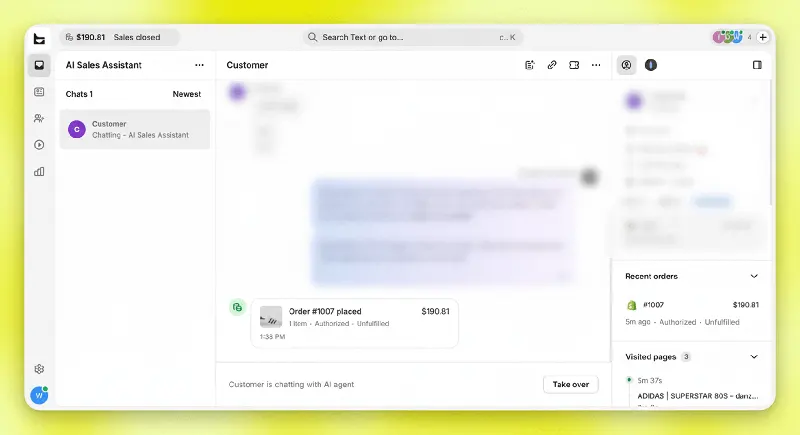
For self-built e-commerce systems, Text provides a way to transmit purchase events through the transaction confirmation page, allowing workspaces to associate orders and sessions.
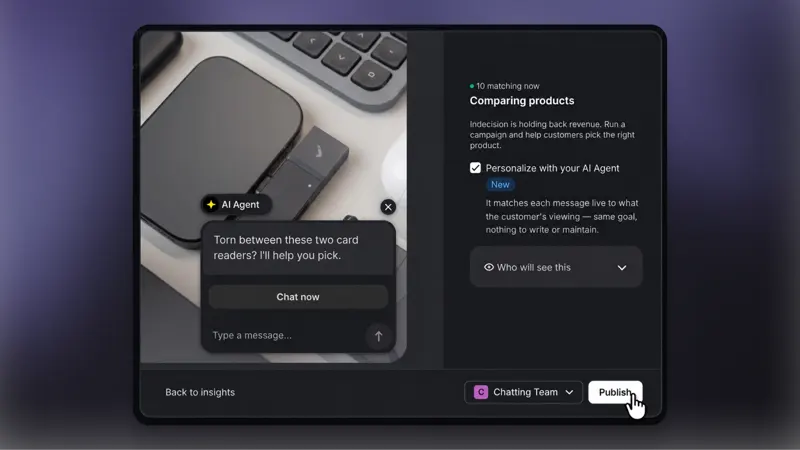
Conversion Radar marketing campaigns now use AI-powered personalized content by default. Your AI agent will write each message in real time, based on the specific circumstances of each client.

The all-new User Center displays your online chat, chatbot, and AI limits in one place, ensuring you never lack conversation opportunities.
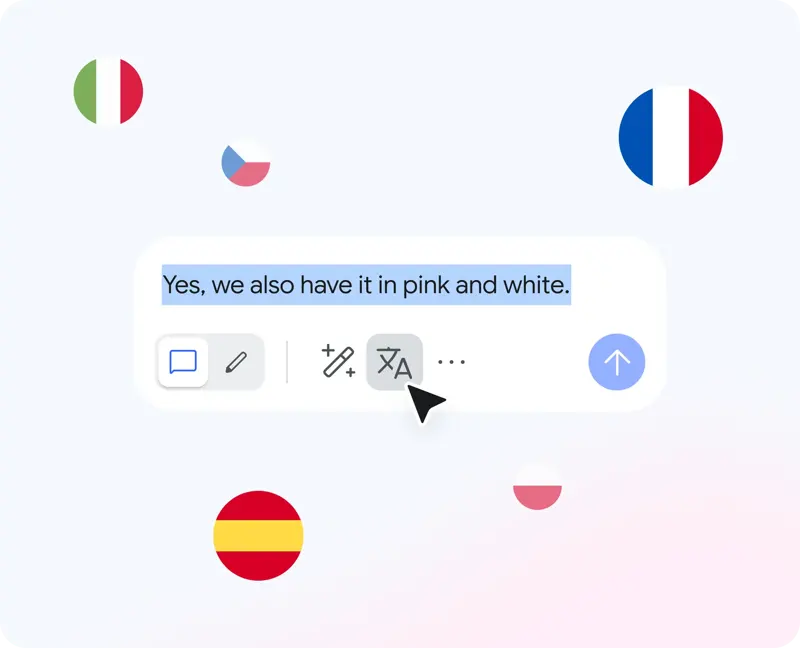
This new feature will greatly simplify your communication with international clients, making it easy to navigate even if you don't speak the same language.
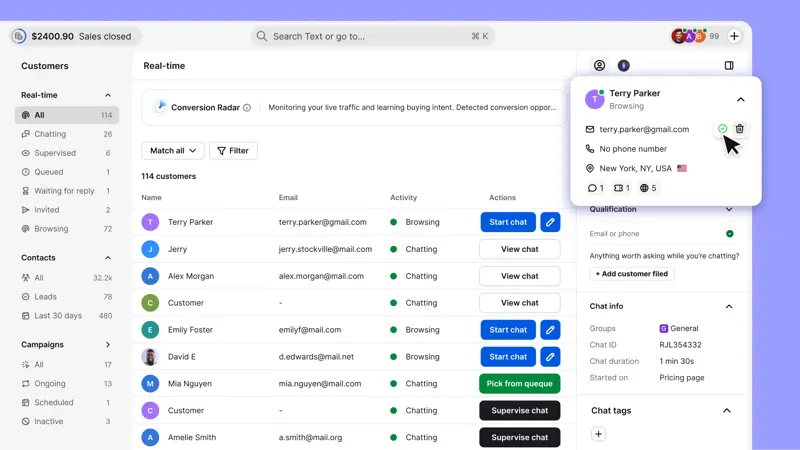
Visitor email addresses submitted via newsletter subscriptions and other forms will now appear in Text's "Suggested Email" field, even before the chat begins. This feature works for all accounts.

Smartsupp's Messenger integration allows you to bring private messages from your Facebook Page into the customer service workspace.
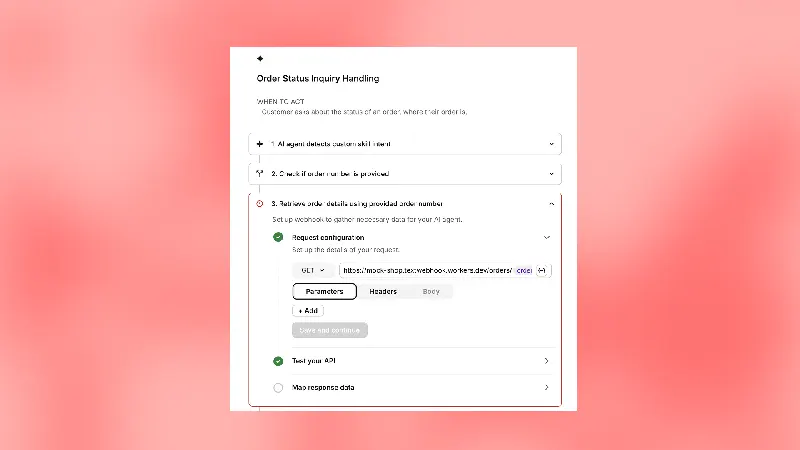
When information is stored in an in-house order system or CRM, Text's custom skills can call external services via Webhook. The knowledge base answers according to fixed rules, while the business system is responsible for returning the status that changes over time.
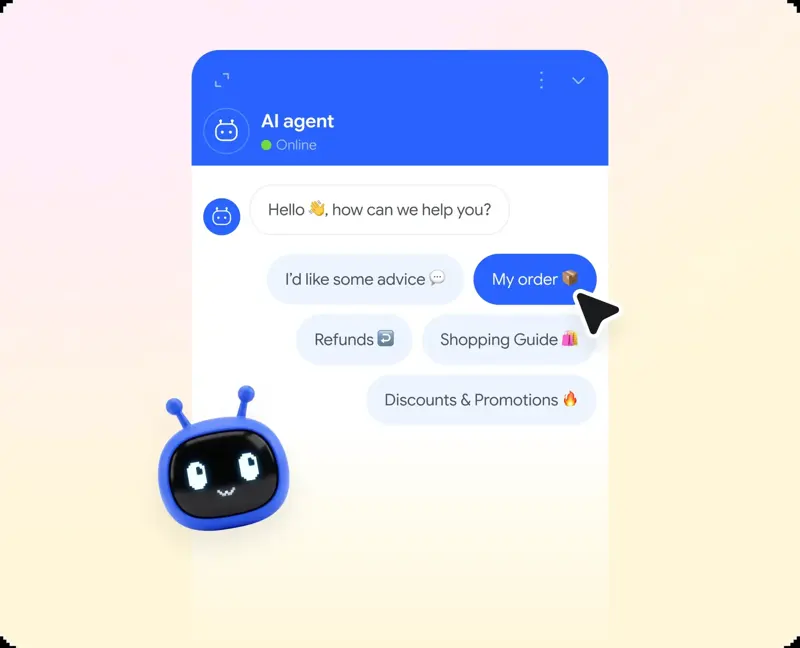
Add up to 5 topic buttons below the AI agent's welcome message.
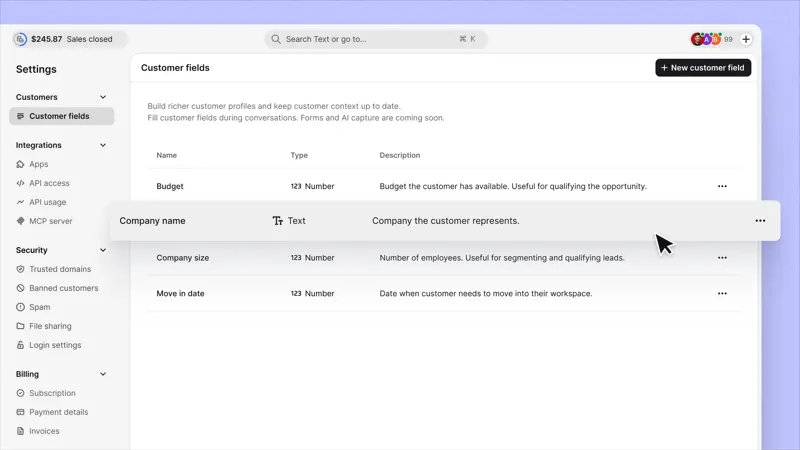
Add, edit, or delete custom customer fields on a dedicated "Settings" page. Correct errors as needs change.
Change the time zone in the Text report so that teams in different countries see the same data. Charts and daily tables will be updated accordingly.
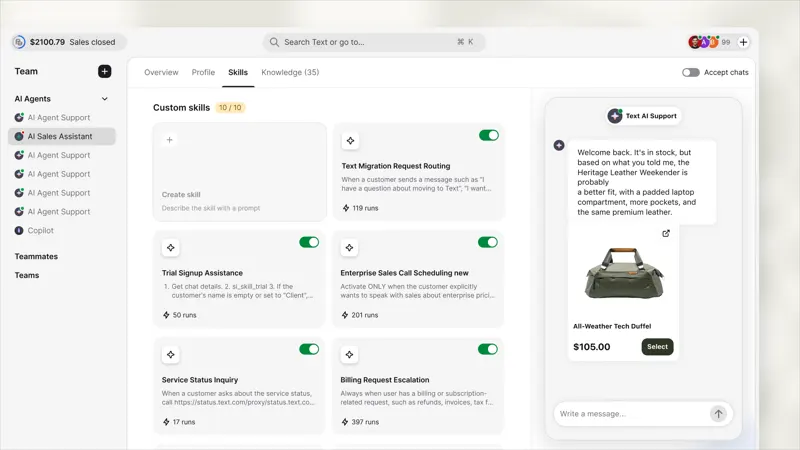
Product cards will now appear in the settings preview. Please test the complete purchase process before going live.
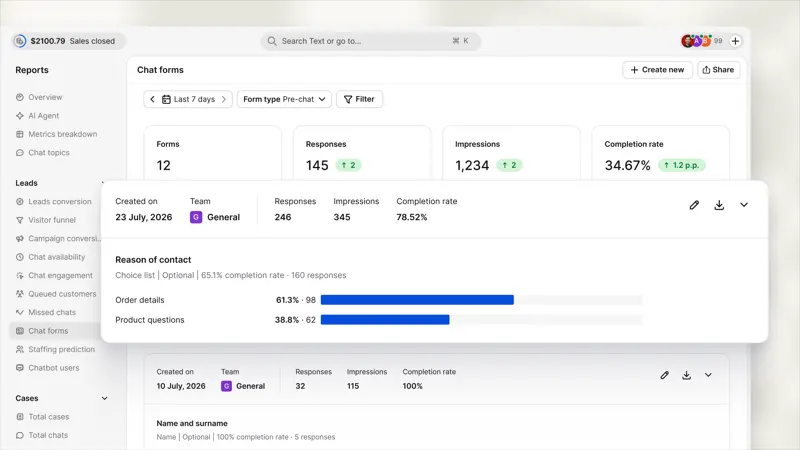
The new report shows the form results before and after the chat, and sorts the answers and insights by question type.
Text centrally displays lead eligibility rules and subsequent automated operations in its settings, making it suitable for unifying the transfer guidelines among different customer service personnel.
Describe what you want to happen, and Text will turn it into an editable automated process for your team to use. Workflows and custom skills are now combined into one: skills.
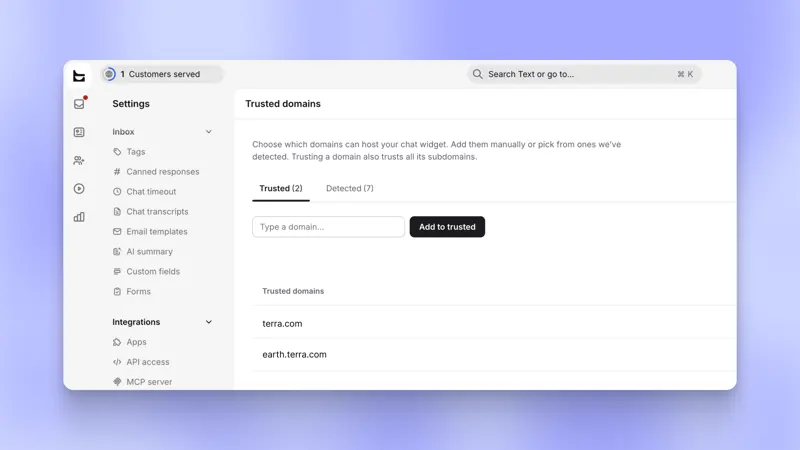
Please specify the websites that are allowed to run the chat plugin. Please provide the full domain name and its subdomains, or an entry accurate to the word level. Otherwise, the plugin will fail to load.
Text can integrate with Telegram bots. Messages sent by users on Telegram go into the customer service inbox, and after the agent replies on their original workbench, the user still receives a response from Telegram.
Use the new "Customer Actions" menu to perform more actions in the "Customers" section. Mark customers as VIPs, create support tickets, and query customer information from Copilot.